Back to Notes
Falconer August 2026 changelog
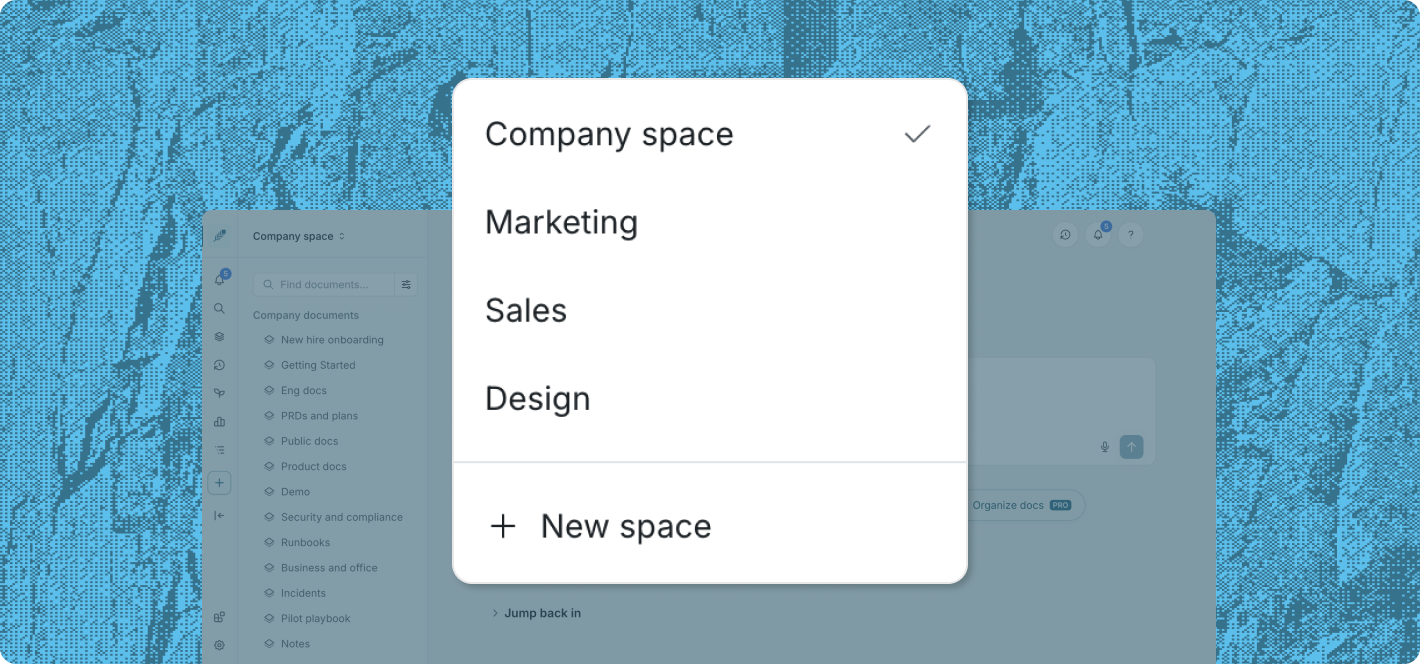
Spaces
- Create separate Spaces for teams and projects. Each Space has its own navigation while remaining part of the same Falconer organization.
- Turn an existing folder into a Space. Keep its documents, subfolders, and structure intact.
- Move content between Spaces. Transfer individual documents or complete folders.
- Set granular access for each Space. Make it available to the organization or restrict it to invited members.
Skills
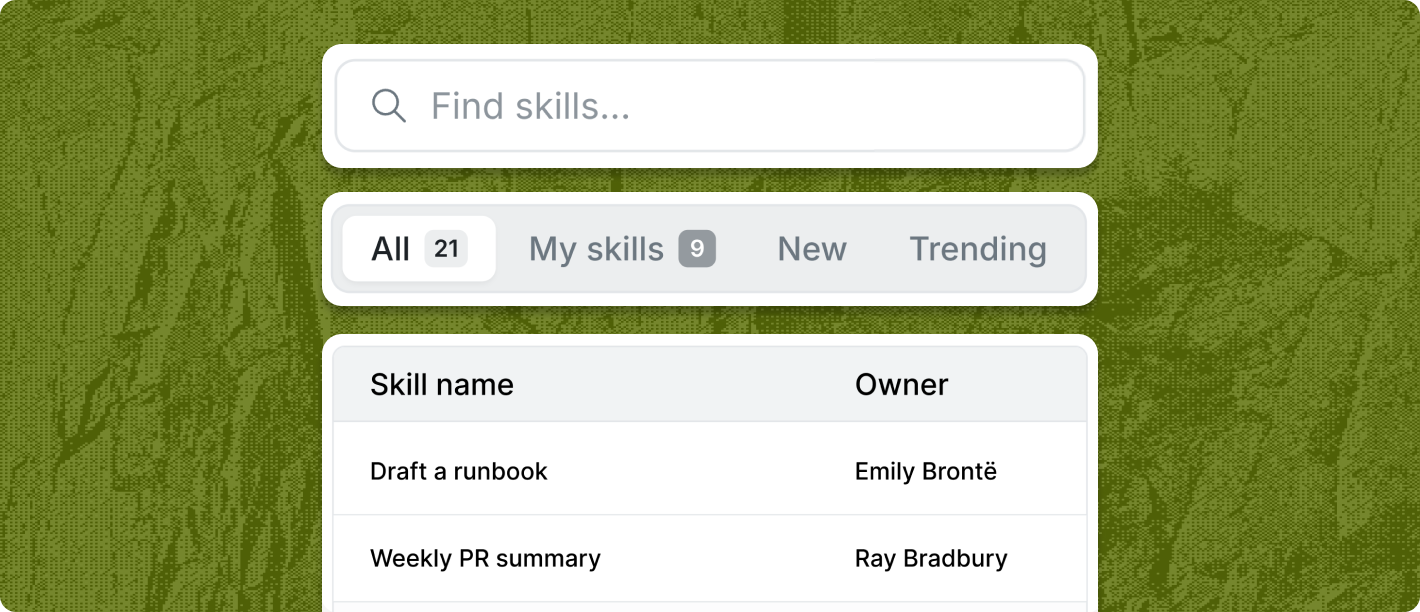
- Browse and create Skills from one library. Open the Skills page to view reusable agent instructions or create a new Skill.
- Filter the Skills library. View all Skills, only the ones you own, the newest, or the most-used, then search by title.
- Install Falconer Skills in local agents. Pull a Skill into compatible tools such as Claude Code and Codex.
Editor and documents
- Edit a document’s Markdown source. Switch to Code view to edit the Markdown behind the visual document.
- Show speaker names in meeting transcripts. Falconer imports speaker tags enabled in Granola.
- Label a folder’s state. Mark the folder as draft, approved, authoritative, or outdated from its details panel.
- Sort columns in tables. Click a column header to change the row order.
- Filter docs by review status. Find docs you have reviewed, still need to review, or requested outstanding reviews for.
Ready to get started?
Create an account and start building your knowledge base — no contracts or credit card required. Or, contact us to design a custom package for your team.